In order to optimize the processes for logistics providers, we offer the rate cloning functionality. This way, when a client opens two identical quotations, you can import the rates that were already filled in, avoiding the need to enter all the information again.
To use this feature, access the client’s environment and locate the SPOT quotation you want to respond to. Then identify the previous quotation that already has the rates filled in and, next to the “Details” button (eye icon), click the square “Clone” icon to import the rates to the new quotation opened by the client.

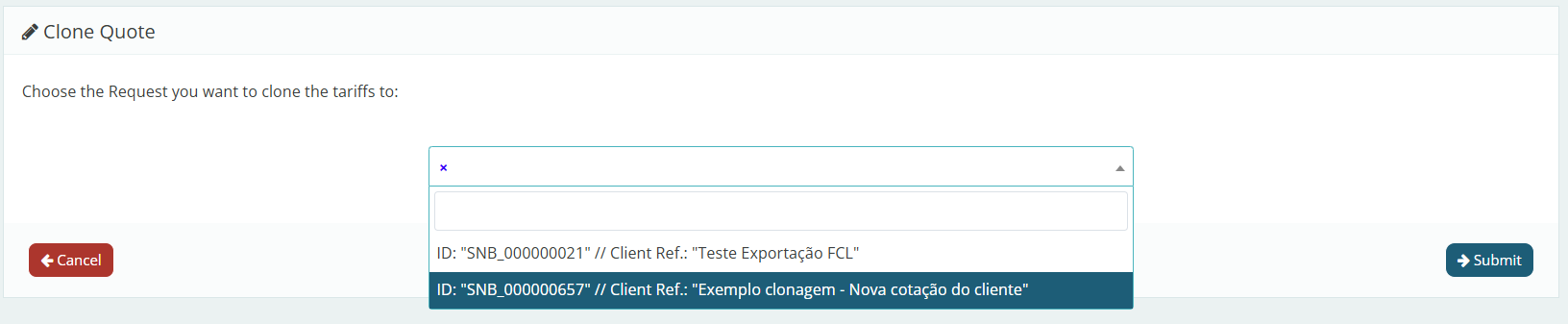
After clicking Clone, you will be prompted to select the quotation from which you want to import the rates. Select it and click “Submit.”
When clicking “Submit,” the system will not immediately submit the rates to the client. Instead, you will be redirected to the rate editing page, where you can make all necessary adjustments according to the requested scope.
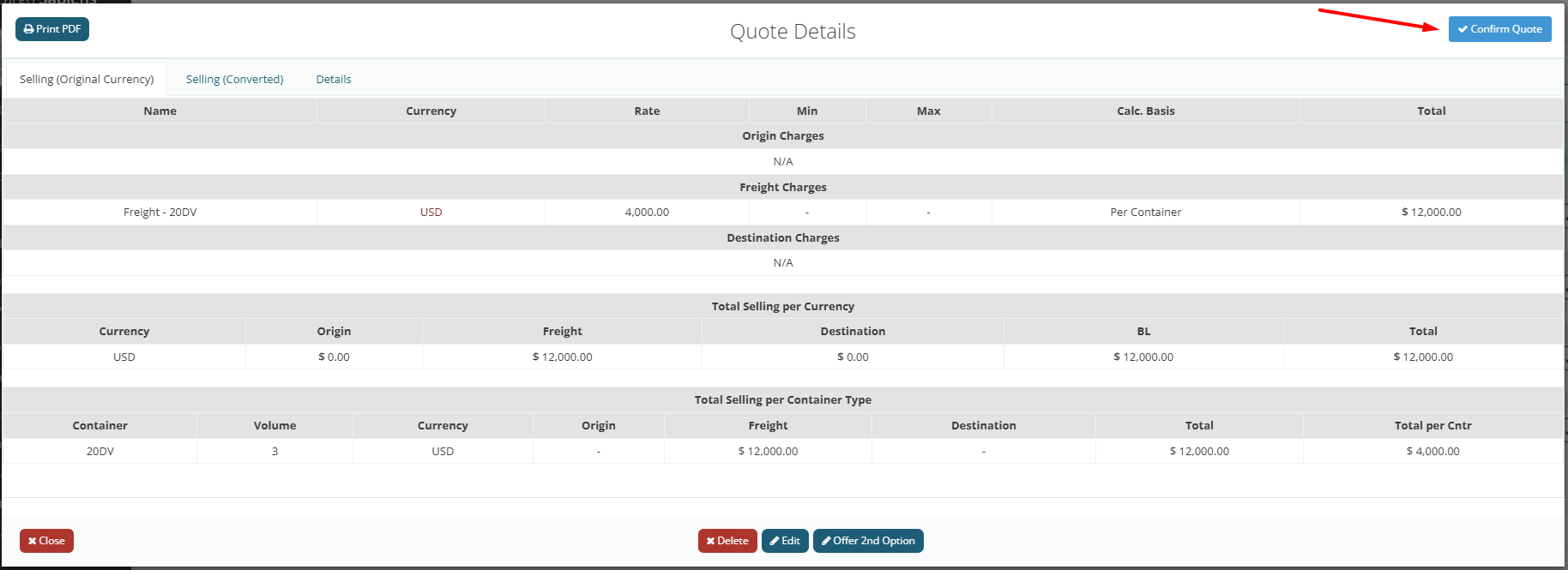
After reviewing and making any necessary changes, click Next to send the rates. Then remember to review the values and click Confirm Quote in the upper right corner of the screen.