
The Cargo Sapiens platform offers logistics providers the ability to adjust certain settings to simplify and automate internal processes.
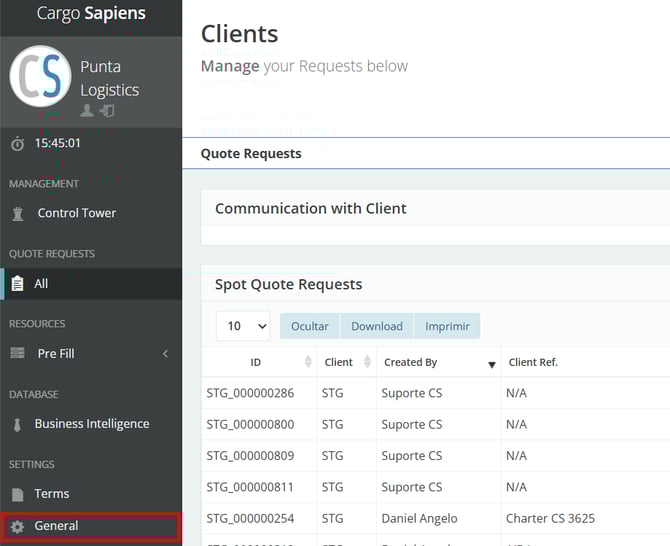
To access the settings page, select “General” in the left-hand menu.
Next, you will be able to see the following tabs.
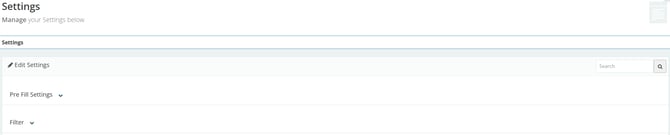
- Pre-Fill Settings:
- Automated Pre-Fill: within the system, in the left-hand menu, there is a tab called “Pre-Fill” where it is possible to register rates considered fixed by the logistics provider, eliminating the need to manually fill them in for each client quotation. In this way, the system will automatically apply these rates. This setting, therefore, serves to activate this functionality.
- Automated Quotations: this is basically used to configure LCL freight contracts in advance. By registering this information in the system, including local charges (using the pre-fill), whenever a received quotation matches these contracts, the system will respond automatically — without the need for manual intervention.
- Filter: if you want to standardize the desired filter in the SPOT quotations tab, select it in this field.
- Example: if you want to view only open quotations when accessing the system, set “Open” as the default in the filter tab.