
The system can be configured to automatically send the remarks and terms and conditions from logistics providers when replying to a customer quote. This saves time and ensures that crucial information, such as rules, deadlines, or restrictions, is included in every proposal. To do this, follow the steps below:
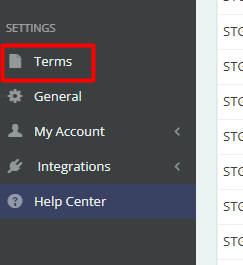
In the left-hand side menu, click on "Terms", under the Settings section.
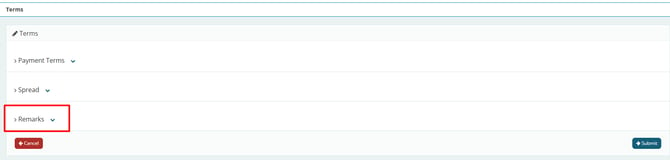
Then, open the "Remarks" tab.
Each field in this tab is divided according to the transport mode (FTL, LTL, FCL, LCL, among others), as well as between Import and Export, since the remarks may vary depending on this information.
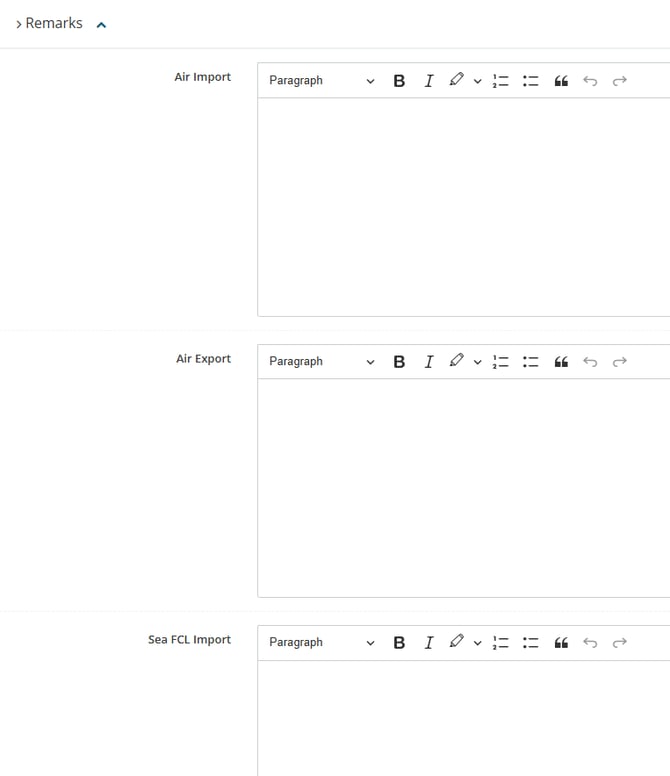
Fill in the fields you want, and then click "Send" at the bottom right of the page.