
Access the system in the environment where you intend to reset your password. It is important to emphasize that each client has an exclusive environment, which means that all registrations and information generated in this space are confidential and private.
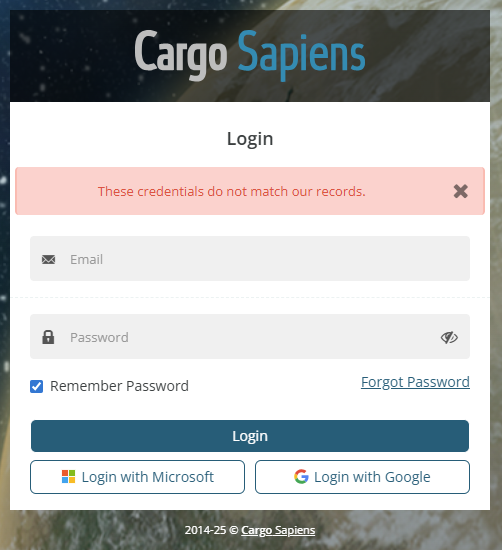
If you enter the wrong password or an email that is not registered in this client's database, a red error balloon stating "These credentials do not match our records" will appear. If the issue is related to your password, please follow the step-by-step instructions below to resolve it; otherwise, your email may not be registered with this customer, and you should contact support for assistance.
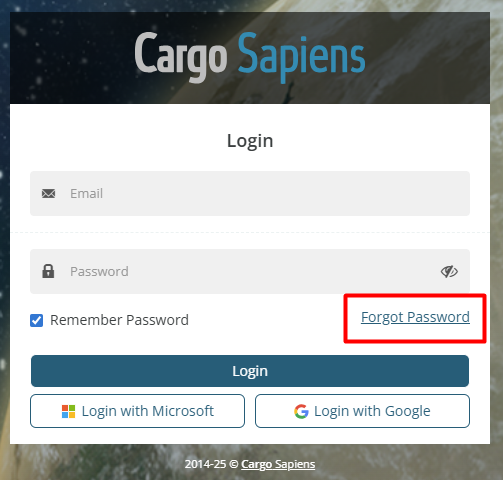
Then, on the system's home page, click 'Reset Password'.
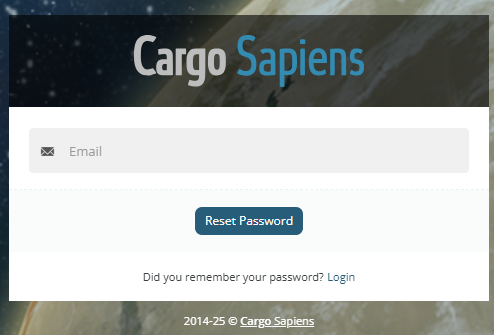
You will be redirected to a page where you must enter your registered email and click the blue button Reset Password. If the system does not recognize this email, confirm that the website address you are accessing is correct or contact support for assistance.
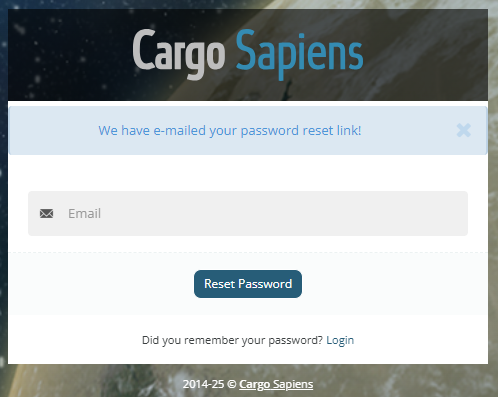
If the email is valid, an email with a 15-minute validity period will be sent so you can reset your password.

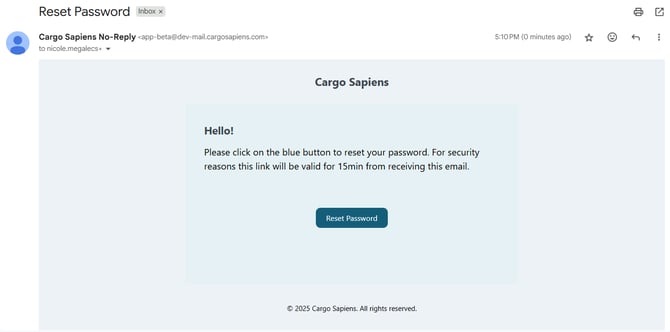
Upon clicking the email link, you will be directed to the screen to enter your new password in both fields. Then, click 'Submit'.
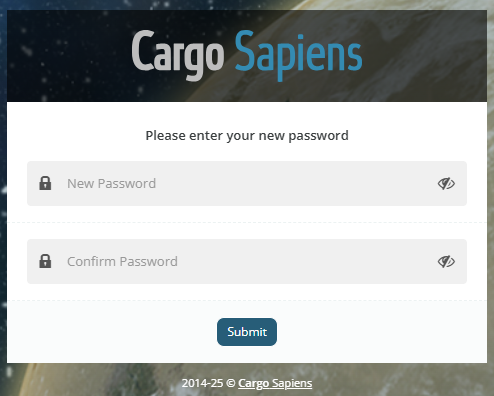
Your password has been successfully reset.
If you do not find the email in your inbox, please check your Spam and confirm with your company’s IT team that the @cargosapiens.com domain is authorized to send messages. If the issue persists, contact one of our support agents so we can review the case in more detail.